> ## Documentation Index
> Fetch the complete documentation index at: https://docs.fumedev.com/llms.txt
> Use this file to discover all available pages before exploring further.
# Install the Github App
> Integrate Fume Blazingly Fast
## Setup the Github App
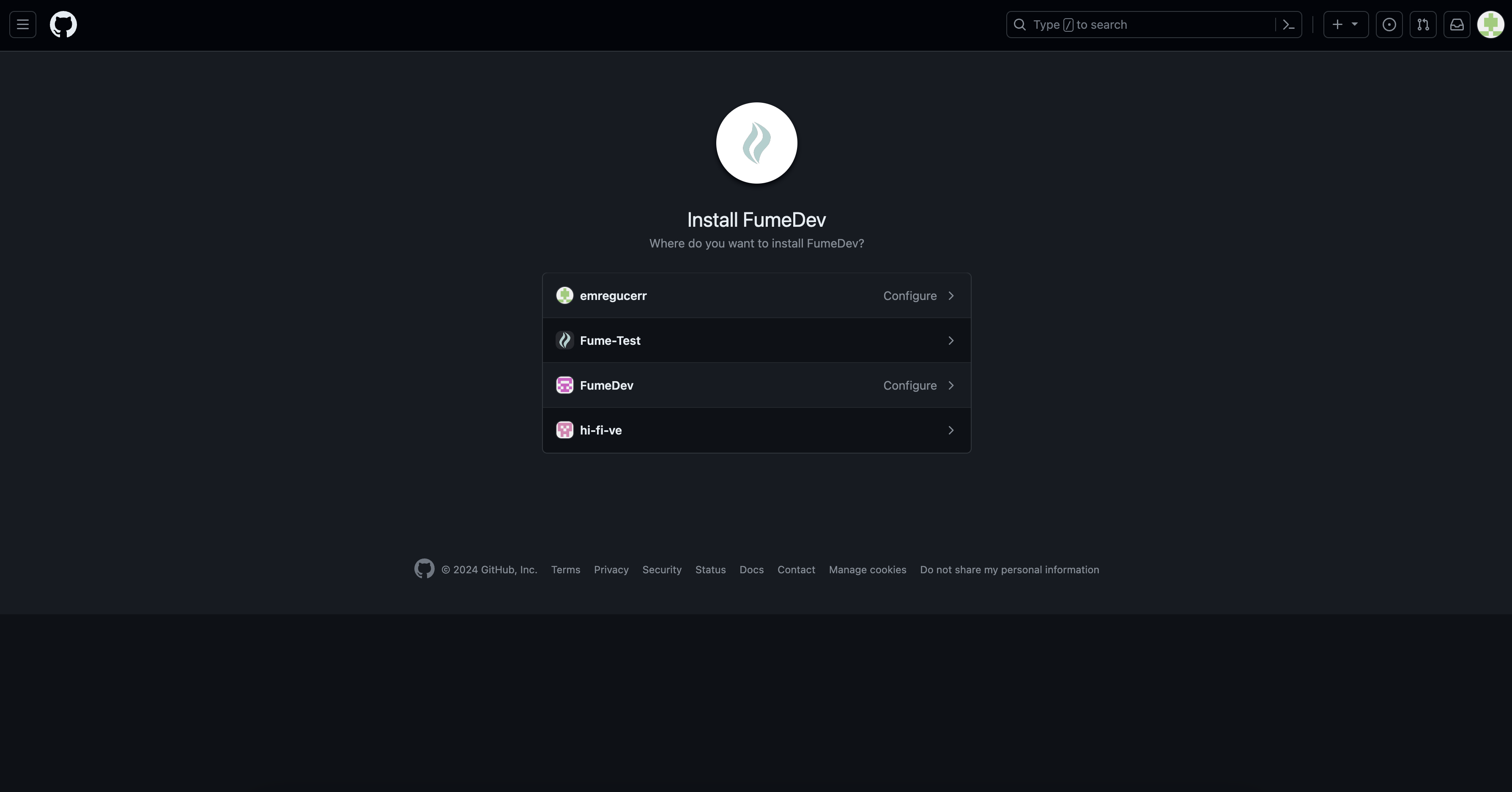
You need to set up the Fume Github App. This will let Fume to make changes in your codebase and submit PRs. Use the following link to install it on your workspace.
A friendly AI sfotware engineer for your code chores
Rest is very straightforward: Simply select the the organization and repository you want to give Fume access to. Then, you are done!
 ### Security
Fume never permanently stores your code. All of your code is deleted from our servers are deleted after the runtime.
### Security
Fume never permanently stores your code. All of your code is deleted from our servers are deleted after the runtime.